Why do some designs look professional and others look messy, even with the same photo and text? Usually because of three layout rules: alignment, hierarchy and white space.
1. Alignment
Every element should line up with something else. When text and images start at random positions, the eye feels the mess even if it cannot say why.
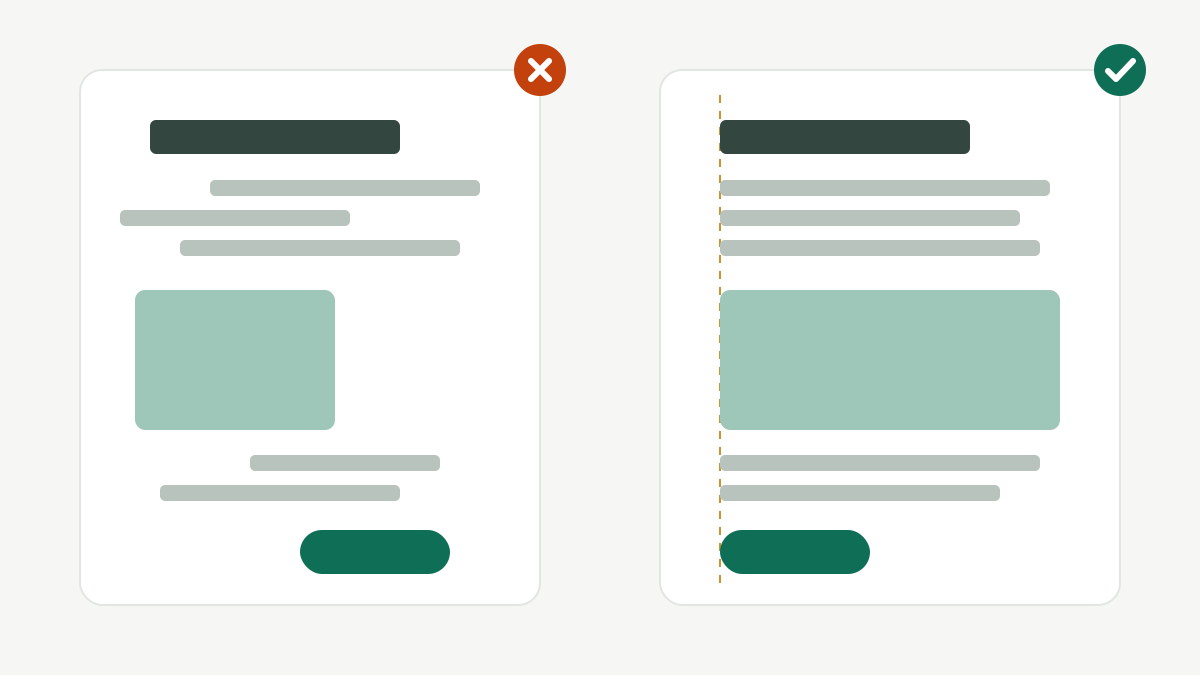
How to do it in Canva:
- Drag elements until the pink guide lines appear; they show when items line up with each other or with the centre of the page.
- Select several items and use Position → Align (left, centre, right, top, middle, bottom).
- Pick one main alignment for a design (for example, everything left-aligned) and break it only on purpose.
- For Urdu and Arabic designs, right alignment usually reads best.
2. Hierarchy
Hierarchy means deciding what people should see first, second and third. A viewer scrolling on a phone gives a post about one second. The most important thing must win that second.
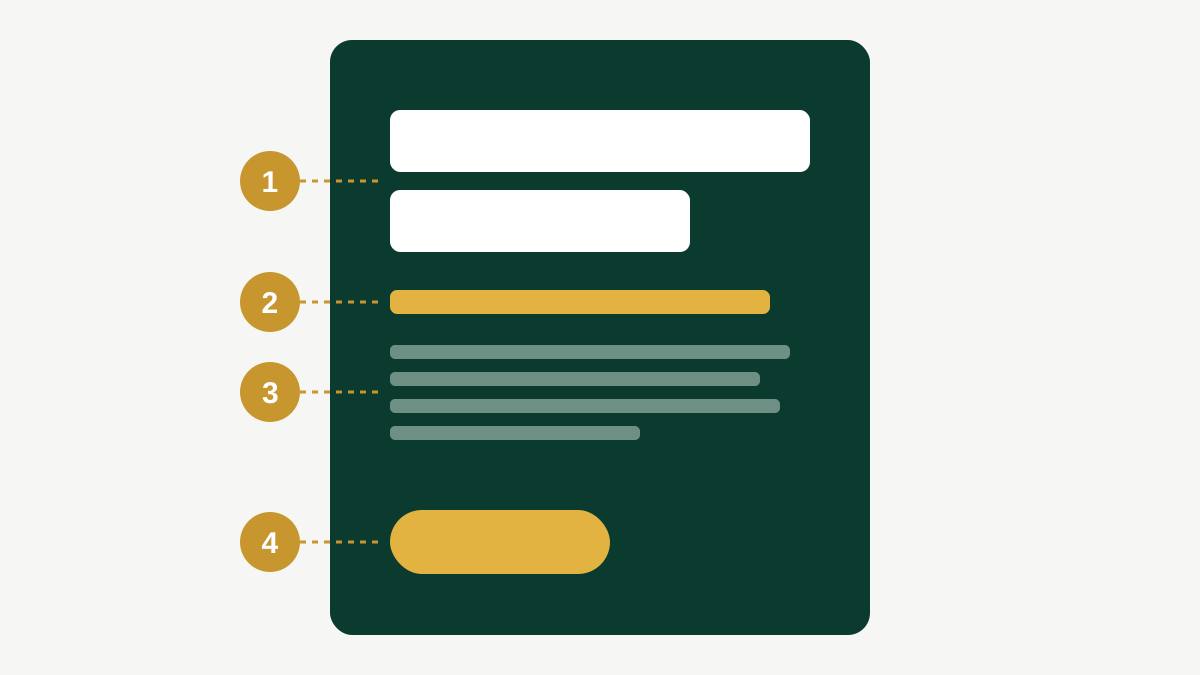
Ways to create hierarchy:
- Size: the headline is much bigger than everything else.
- Weight: bold for important words, regular for the rest.
- Colour: one accent colour for the action (button, price, phone number).
- Position: the top and the centre are seen first.
A common mistake is making everything big and bold. When everything shouts, nothing is heard.
3. White space
White space (or negative space) is the empty area around and between elements. It does not have to be white; it is simply space with nothing in it. Beginners try to fill every corner. Professionals leave room to breathe.
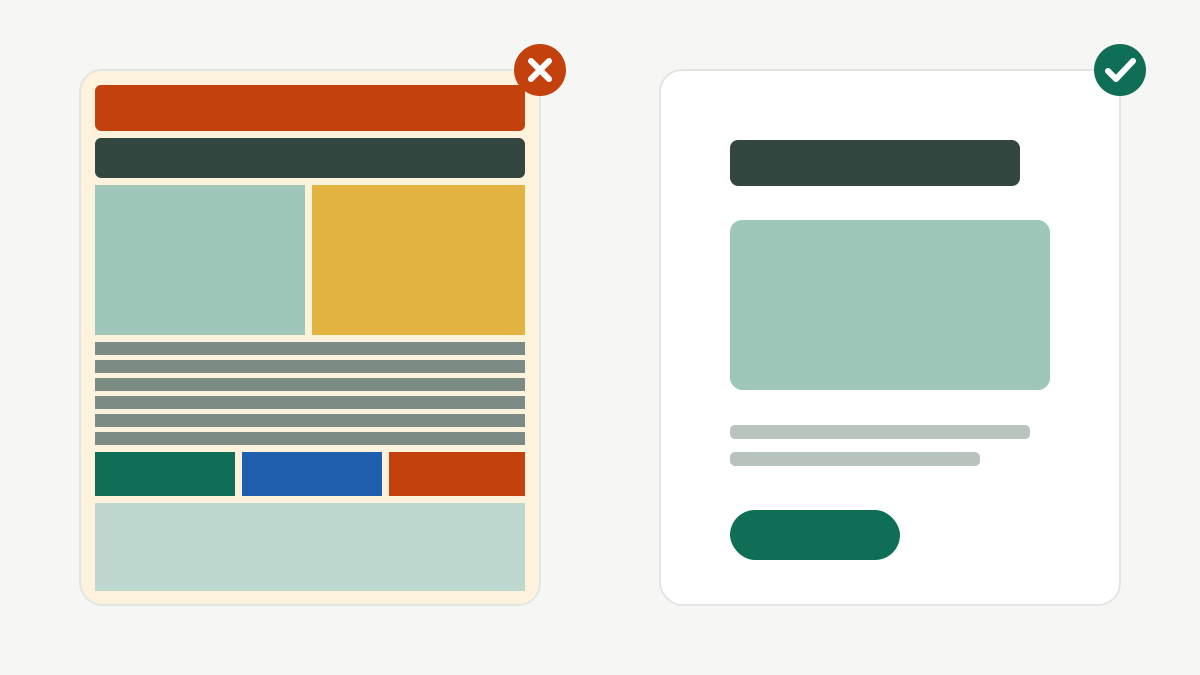
Tips:
- Keep a margin around the edges of the design. Nothing important should touch the edge.
- Group related items close together and keep unrelated items apart (this is called proximity).
- If a design feels busy, remove something before adding anything.
Quick checklist
Before you download any design, ask:
- Does everything line up with something?
- What do I see first, second and third? Is that the right order?
- Is there enough empty space, especially around the edges?
Practice task (25 min)
- Find one messy local poster or post (a photo or screenshot for practice only).
- Recreate its message in Canva at 1080 × 1350, using one alignment, a clear 1-2-3 hierarchy and generous margins.
- Put the before and after side by side and write the three changes that made the biggest difference.
Sign in or create a free account to save your progress and take the tests. Sign in